A Quick Overview of Malware
Malware, short for ‘malicious software’, refers to software or code designed to compromise systems, disrupt operations, steal information, spy on users, or provide unauthorized access. Attackers may deliver it through phishing emails, malicious downloads, compromised websites, software vulnerabilities, or infected devices.
Malware continues to threaten businesses, government agencies, healthcare providers, financial institutions, and individuals worldwide. From ransomware that disrupts critical operations to infostealers that compromise employee credentials, malware can expose sensitive data, undermine business continuity, and create costly security incidents.
For cybersecurity professionals, understanding malware is essential to protecting modern digital environments. You need to recognize common malware categories, understand how attackers use them, and know which defensive measures can reduce the risk of infection. And remember, malware categories are not mutually exclusive. A single attack may involve a Trojan that installs an infostealer, which steals credentials later used to deploy ransomware.
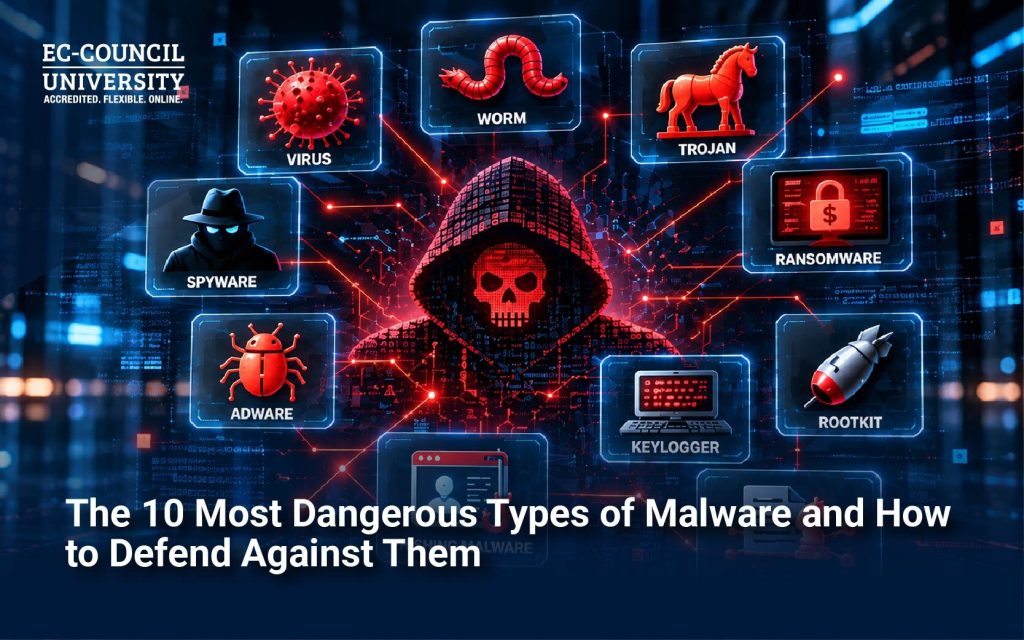
With all that in mind, below are the 10 most dangerous types of malware you should know, along with practical ways to defend against them:
The 10 Most Dangerous Types of Malware
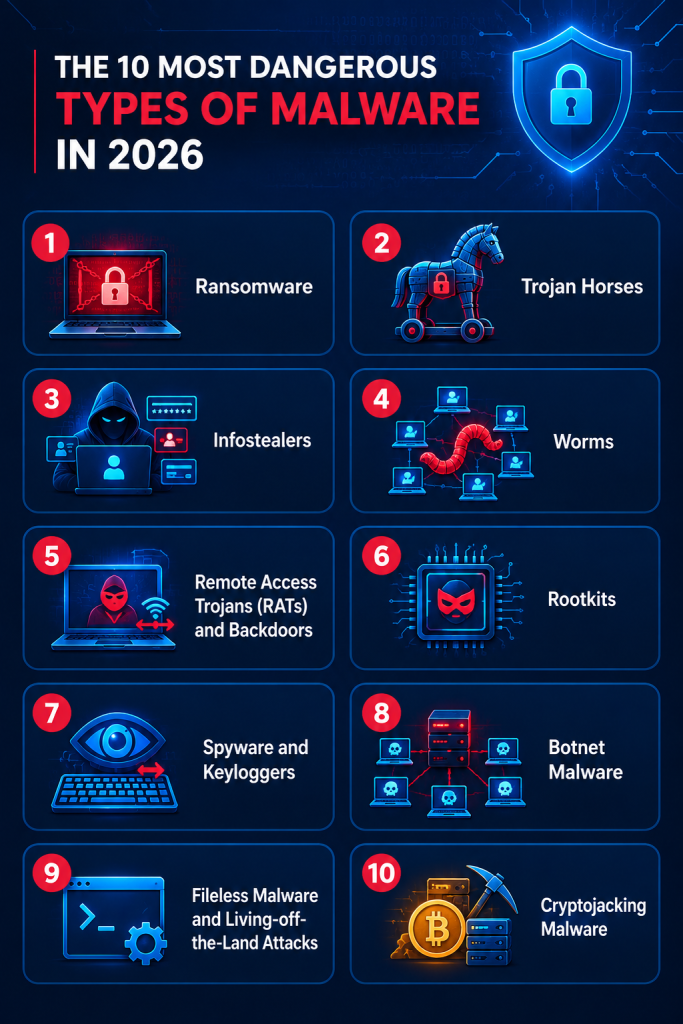
1. Ransomware
Ransomware encrypts files or otherwise blocks access to systems, typically demanding payment. Many modern operations also steal data and threaten to publish it unless the victim pays.
- Primary targets: Businesses, hospitals, government agencies, and critical infrastructure.
- The danger: It can interrupt essential services, expose confidential information, and impose substantial recovery costs.
- Defense techniques: Maintain isolated, tested backups; deploy endpoint detection and response (EDR); patch vulnerabilities; enforce multifactor authentication (MFA); and rehearse incident response procedures.
2. Trojan Horses
Trojans disguise themselves as legitimate applications, files, or documents to persuade users to install or execute them. Unlike traditional worms, they do not inherently self-replicate.
- Primary targets: Individual users, corporate endpoints, and financial systems.
- The danger: A Trojan may install additional malware, steal information, or establish unauthorized access.
- Defense techniques: Restrict software installation, use application allowlisting where appropriate, filter malicious email attachments, and download software only from trusted sources.
3. Infostealers
Infostealers covertly collect passwords, browser cookies, authentication tokens, cryptocurrency wallet information, and other sensitive data.
- Primary targets: Employees, administrators, consumers, and cloud account holders.
- The danger: Attackers can use or sell stolen credentials and session tokens to facilitate account takeovers, data breaches, and ransomware attacks. Microsoft(1) identified Lumma Stealer as the most prevalent infostealer it observed between October 2024 and October 2025.
- Defense techniques: Use phishing-resistant MFA, secure credentials, monitor endpoint activity, promptly revoke compromised sessions, and investigate suspicious logins.
4. Worms
Worms spread automatically between systems, often by exploiting vulnerabilities or weak security configurations. Some can propagate rapidly across interconnected networks.
- Primary targets: Enterprise networks, unpatched computers, and vulnerable internet-connected machines (like IoT devices).
- The danger: Rapid propagation can disrupt numerous systems before security teams contain the outbreak.
- Defense techniques: Apply security patches promptly, segment networks, turn off unnecessary services, and monitor for unusual internal traffic.
5. Remote Access Trojans (RATs) and Backdoors
RATs give attackers unauthorized remote control over infected systems. Backdoors provide concealed ways to regain access or bypass normal authentication mechanisms.
- Primary targets: Corporate endpoints, remote workers, executives, and servers.
- The danger: Attackers may monitor activity, execute commands, steal files, or use compromised devices as entry points for broader intrusions.
- Defense techniques: Deploy EDR, restrict administrative privileges, monitor unusual outbound connections, and investigate suspicious persistence mechanisms.
6. Rootkits
- Primary targets: Systems where attackers want stealthy, persistent access.
- The danger: Rootkits can hide malicious processes and interfere with conventional security tools, making detection and removal difficult.
- Defense techniques: Enable Secure Boot, protect the firmware, monitor system integrity, and use trusted recovery media or perform a clean system reinstallation when necessary.
7. Spyware and Keyloggers
Spyware monitors users and collects information without authorization. Keyloggers capture keystrokes, potentially exposing passwords, messages, and financial information.
- Primary targets: Employees, executives, consumers, and users of financial services.
- The danger: They can facilitate identity theft, corporate espionage, credential theft, and unauthorized surveillance.
- Defense techniques: Secure endpoints and mobile devices, restrict application permissions, use reputable security software, and investigate unusual device behavior.
8. Botnet Malware
Botnet malware compromises devices and connects them to a remotely controlled network. Attackers may use the resulting network to launch distributed denial-of-service (DDoS) attacks, distribute spam, or support additional criminal activity.
- Primary targets: Routers, cameras, poorly secured IoT devices, servers, and personal computers.
- The danger: A large collection of compromised devices can generate disruptive traffic and sustain attacks against multiple victims.
- Defense techniques: Change default passwords, update firmware, disable unnecessary exposed services, and monitor abnormal network traffic.
9. Fileless Malware and Living-off-the-Land Attacks
These attacks operate largely in memory or misuse legitimate system tools, scripts, and administrative utilities. Fileless techniques can reduce reliance on traditional malicious files, while living-off-the-land techniques abuse tools already present on the system.
- Primary targets: Enterprise endpoints, Windows environments, and systems with elevated administrative access.
- The danger: Their activity can resemble legitimate administration, making detection more challenging for signature-based security tools.
- Defense techniques: Monitor process behavior, log command-line and script activity, apply least privilege, and investigate unusual use of tools such as PowerShell.
10. Cryptojacking Malware
Cryptojacking secretly hijacks computing resources to mine cryptocurrency without the owner’s consent.
- Primary targets: Cloud workloads, enterprise servers, developer environments, and poorly secured endpoints.
- The danger: It can increase cloud bills, degrade performance, consume computing resources, and indicate a deeper compromise.
- Defense techniques: Monitor CPU and GPU usage, set cloud spending alerts, secure cloud credentials, harden container environments, and investigate unexpected processes or resource creation. (Here’s an in-depth view of cybersecurity for cryptocurrency)
How Do These Malware Types Compare?
| Malware type | Primary objective | Potential impact |
|---|---|---|
| Ransomware | Extortion and disruption | Critical |
| Trojan horses | Initial access or payload delivery | High to critical |
| Infostealers | Credential and data theft | High to critical |
| Worms | Self-propagation | High to critical |
| RATs and backdoors | Unauthorized remote control | High to critical |
| Rootkits | Stealth and persistence | High |
| Spyware and keyloggers | Surveillance and data theft | High |
| Botnet malware | Distributed control and attacks | High |
| Fileless malware | Stealthy execution and evasion | High |
| Cryptojacking | Unauthorized resource use | Moderate to high |
How AI is Changing the Malware Landscape
AI is changing how cybercriminals develop, deliver, and operate attacks, helping them generate more convincing phishing scams, adapt life-like social-engineering content, automate parts of their workflows, and analyze stolen information. AI-enabled tools may also lower the technical barriers to certain malicious activities. However, not every AI-assisted attack involves new or autonomous malware. Many incidents still rely on familiar techniques, including stolen credentials, unpatched software, and exposed remote-access services.
At the same time, AI also strengthens defense. Security teams can use AI- and ML-assisted analytics to proactively identify suspicious behavior, prioritize alerts, correlate threat intelligence, accelerate incident response, and more.
Organizations should therefore combine AI-enabled security tools with human oversight, reliable telemetry, access controls, and established response procedures.
Malware Awareness Tips for Cybersecurity Professionals and Organizations
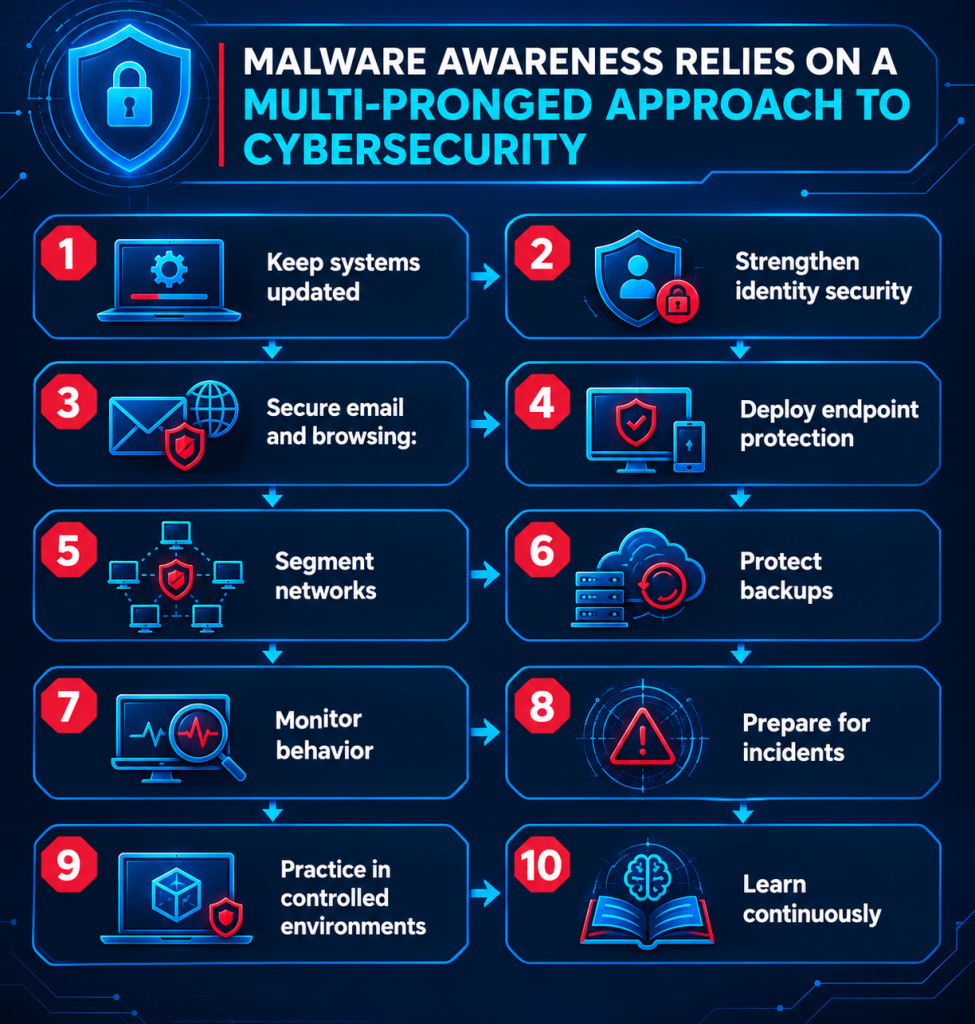
- Keep systems updated: Prioritize actively exploited vulnerabilities and maintain an accurate inventory of assets.
- Strengthen identity security: Enforce MFA, prefer phishing-resistant methods, and apply least-privilege access.
- Secure email and browsing: Filter malicious attachments, block known harmful destinations, and educate users about deceptive downloads.
- Deploy endpoint protection: Use centrally managed antivirus and EDR tools, with alerts configured for investigation.
- Segment networks: Limit lateral movement and restrict access between critical systems.
- Protect backups: Keep recovery copies isolated or immutable and test restoration regularly.
- Monitor behavior: Investigate suspicious scripts, unusual authentication, unexpected resource usage, and abnormal outbound connections.
- Prepare for incidents: Establish clear procedures for containment, evidence preservation, recovery, and notification.
- Practice in controlled environments: Use authorized malware-analysis labs, sandboxing, and incident-response exercises to develop practical skills.
- Learn continuously: Track threat intelligence and evolving attacker techniques instead of relying solely on static malware signatures. Cybersecurity professionals should make it a practice to routinely upgrade their skills and refresh their technical knowledge.
Learn to Defend Against More Than Just Malware
Apart from recognizing malicious files, effective malware defense requires an understanding of attacker behavior, identifying signs of compromise, protecting identities and infrastructure, investigating incidents, and recovering systems without allowing the threat to persist. As malware operations become more adaptive and AI increasingly influences both attacks and defenses, cybersecurity professionals need a strong technical foundation and opportunities to sharpen critical skills in real-world practice environments.
EC-Council University (ECCU) offers online cybersecurity degrees and certification courses designed to help learners build relevant cybersecurity knowledge and skills to combat the world’s most dangerous digital threats. Through advanced cybersecurity education, hands-on applied learning, a faculty of industry practitioners, and exposure to security concepts that support threat detection and incident response, ECCU can help aspiring and experienced professionals alike achieve and exceed their cybersecurity career goals.
For personalized guidance on studying at ECCU:
Frequently Asked Questions
What is the most dangerous type of malware?
What is the most common type of malware?
What is the difference between a virus and a worm?
Can malware infect a computer without the user downloading a file?
Can antivirus software stop all malware?
How does malware enter an organization?
How can cybersecurity professionals analyze malware safely?
What skills help cybersecurity professionals defend against evolving malware?
References & Sources: